Transferring files to a virtual machine via ISO file
Transferring Files to a Virtual Machine via ISO
In the previous section, we learned how to add an ISO file to a virtual machine as a virtual disc. Now, let’s walk through how to package the files you want to transfer into an ISO format.
Download link for the single-file registered version of UltraISO:
https://www.ilanzou.com/s/cpgmPFf

https://www.123pan.com/s/aktYjv-tglLH.html
Steps:
1. Open UltraISO.
2. Drag the files you want to transfer into the right panel of UltraISO.
3. Click **File** in the top-left corner → **Save** (Ctrl+S), choose a save location, and confirm.
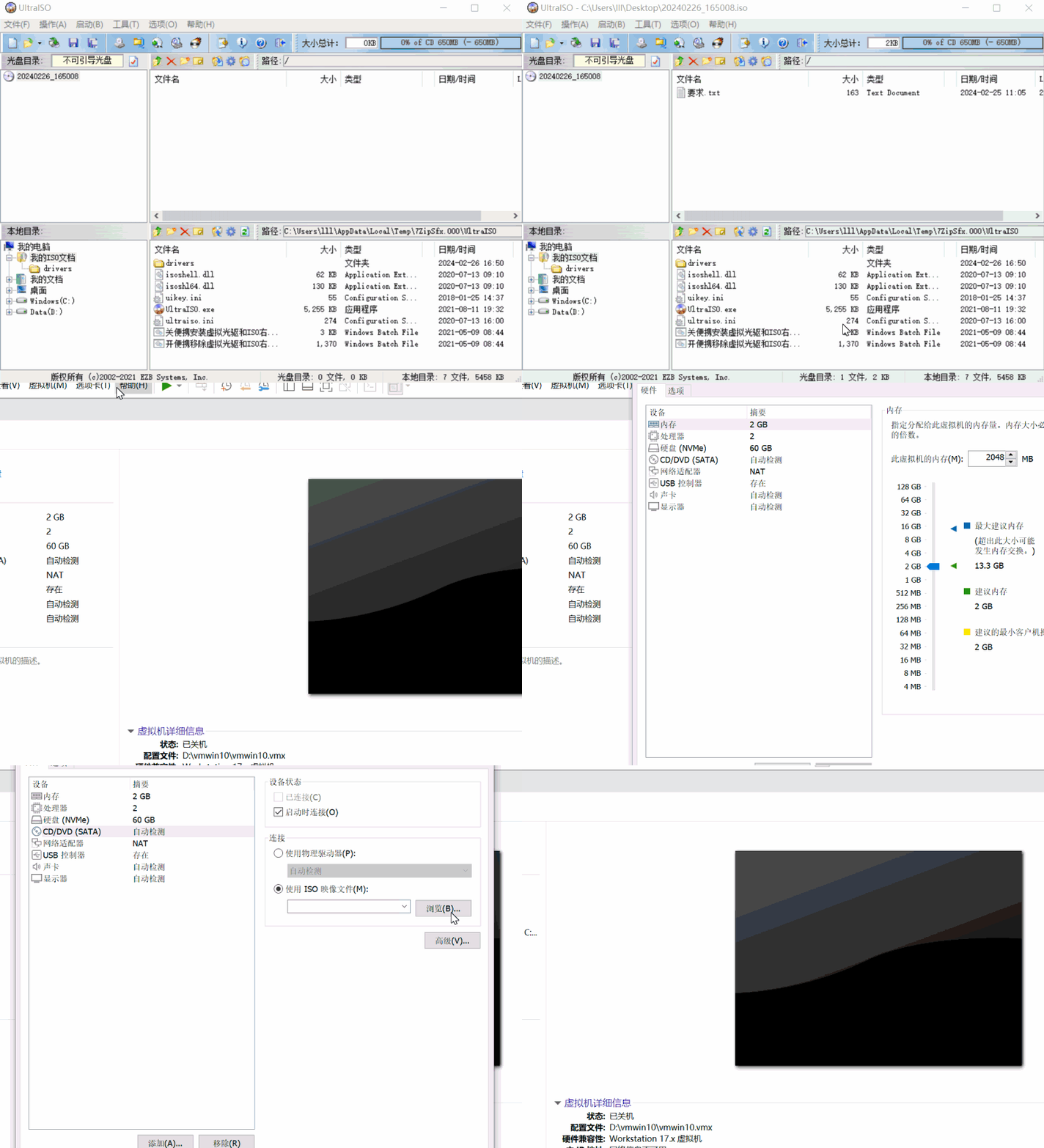
Transferring files to a virtual machine via ISO file
https://en.lvlele.top/006-transfer-files-vm-iso/