Application Introduction 2
Introduction to Applications (Part 2)
We’ve discussed the installation process for packages. This installation procedure can be quite cumbersome. So, is there a type of software that requires no installation—just click to open, and when closed, can be deleted without leaving any trace?
This type of software is called portable software.
Portable Software
This kind of software doesn’t need to write to the registry. It stores all its configuration files and dependencies in a single folder. It’s extremely convenient to use and can be carried around on a USB drive.
Portable software is among the most highly regarded software on Windows because it leaves no trace on the operating system, aligning with the concept of green and sustainable development.
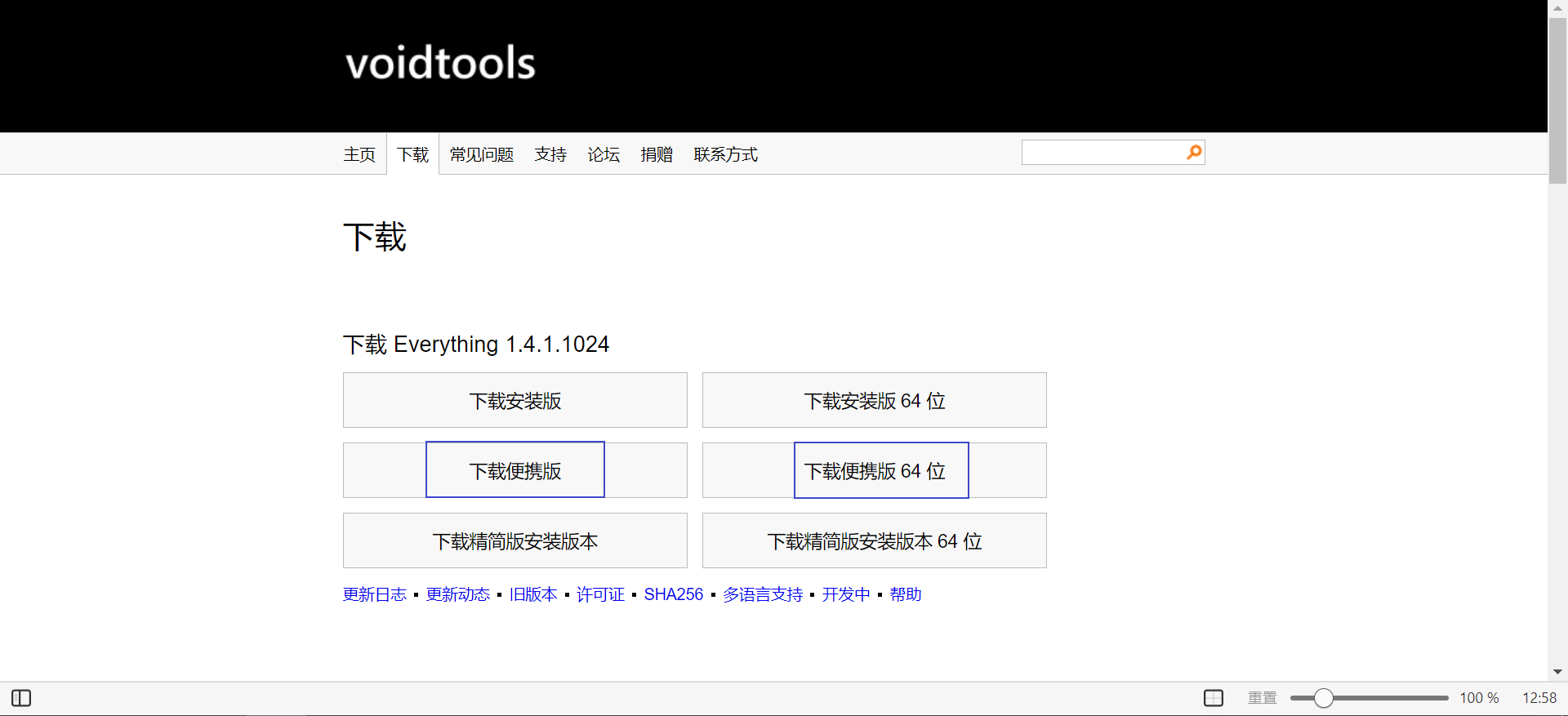
Many software vendors offer portable versions of their applications on their official websites. These are typically distributed as compressed archives. After extracting the archive, the software inside the folder can be run directly.
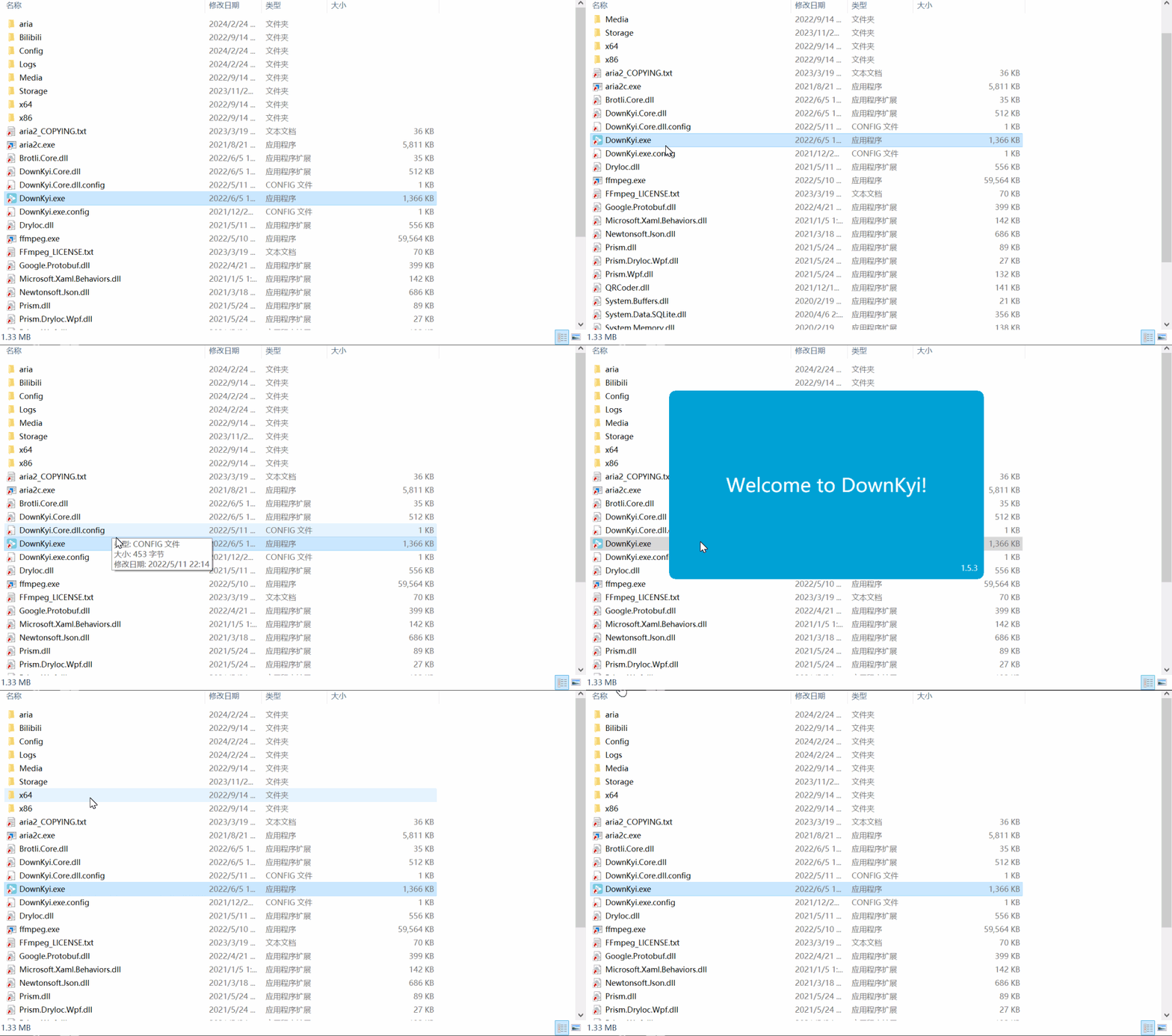
All dependency files and other resources must be placed in the same folder as the main executable.
Single-File Software
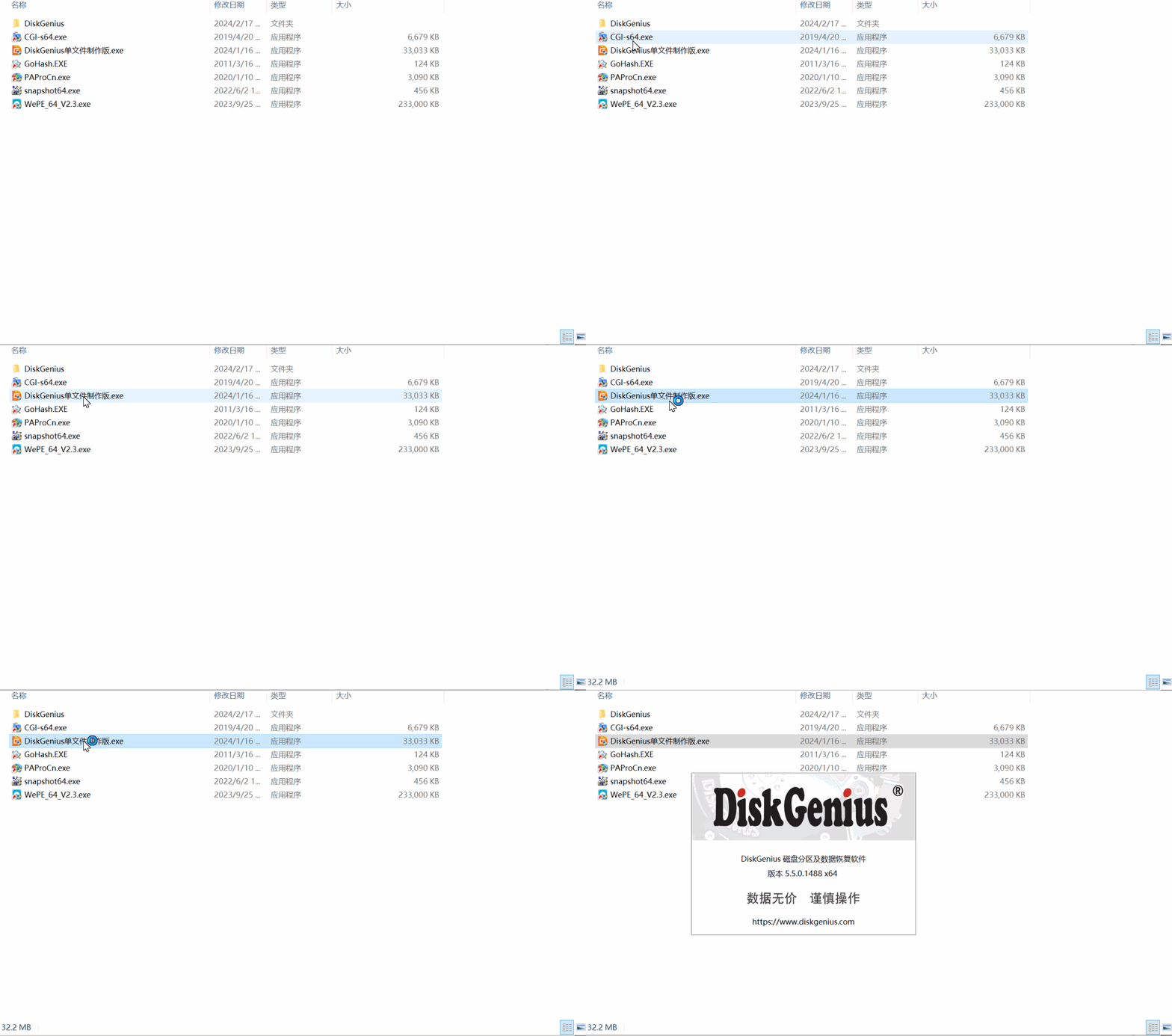
Single-file software is very similar to portable software. As the name suggests, it’s a standalone entity.
This standalone entity may be small, but it’s fully self-contained. Remember the first step of running an installer? Self-extraction. The first step of running a single-file application is also self-extraction. It simply compresses an entire portable software folder into a single executable that can automatically extract itself.
Once extracted, it behaves just like portable software—running freely within its own little folder~~~~
Typically, single-file software automatically cleans up after itself when closed. After all, it needs to delete all the files it extracted, so it can extract them again next time.
Since extraction takes time, single-file software opens a bit slower than portable software. If you’re concerned about this, you can extract the single-file application using a professional decompression tool. Then, running the software inside will be just like using portable software.
Note: Not all single-file software can be successfully extracted with decompression tools, as they may be encrypted, causing extraction to fail.
Advice:
As long as software doesn’t go through an installation process, it won’t write to the registry. If it doesn’t write to the registry, it’s essentially harmless to the system!!
Use portable software whenever possible!! Non-installed software is always better than installed software!!
Click to use, close to delete—this is our top choice!