Brief Description of PE System Functions
Brief Overview of PE System Features
The PE system is a remarkable tool—it’s like an “external plugin” for the Windows system. So, what’s the purpose of using a PE system?
For clarity, let’s define: the system originally installed on the computer is called the “host system,” while the PE system remains referred to as the PE system.
Features of the PE System
Maintaining Host System Files
When the host system crashes, the PE system comes to the rescue.
As long as there’s no hardware failure, you can boot into the PE system. This is the prerequisite for using the PE system to maintain the host system.
In the host system, the C drive is supreme—its status is unshakable, and the files within it are delicate and precious!
However, in the PE system, the host system’s C drive becomes just another ordinary disk, ripe for manipulation. Its files are nothing more than files. In the host system, the C drive can never be formatted; in the PE system, the host system’s C drive can be wiped clean in an instant.
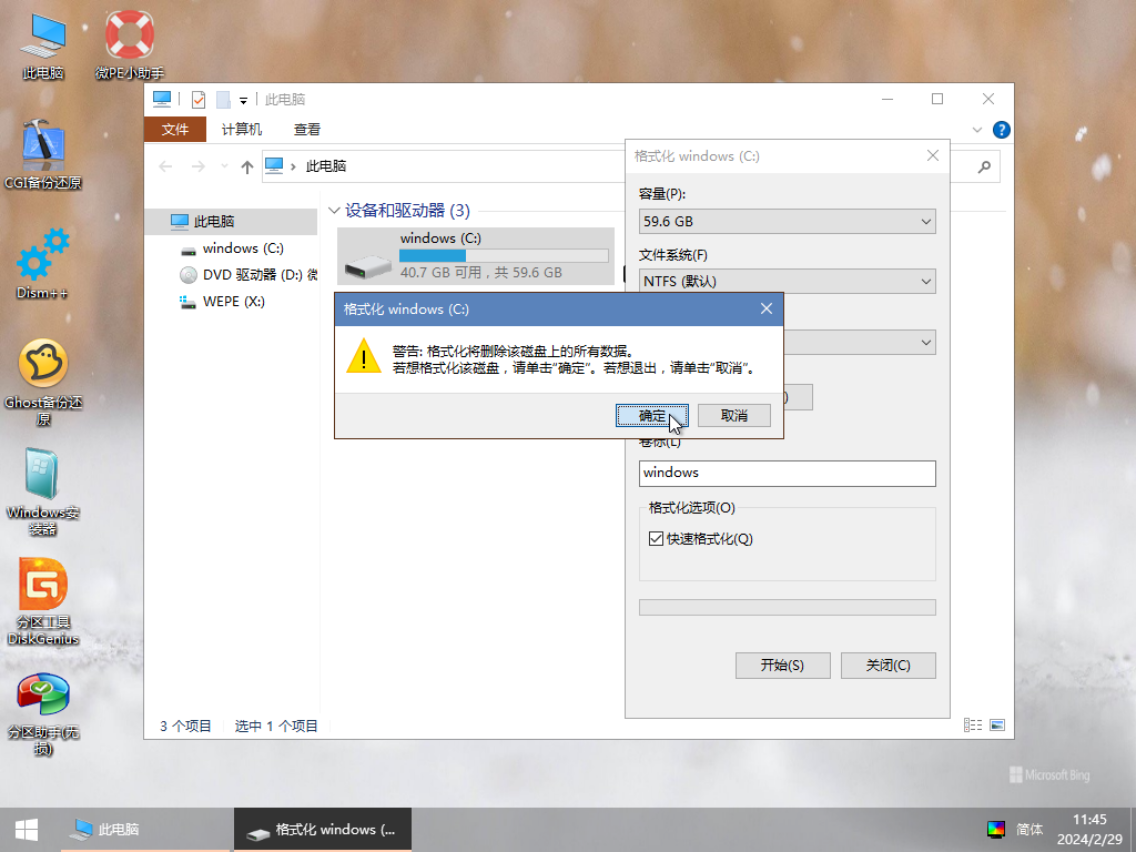
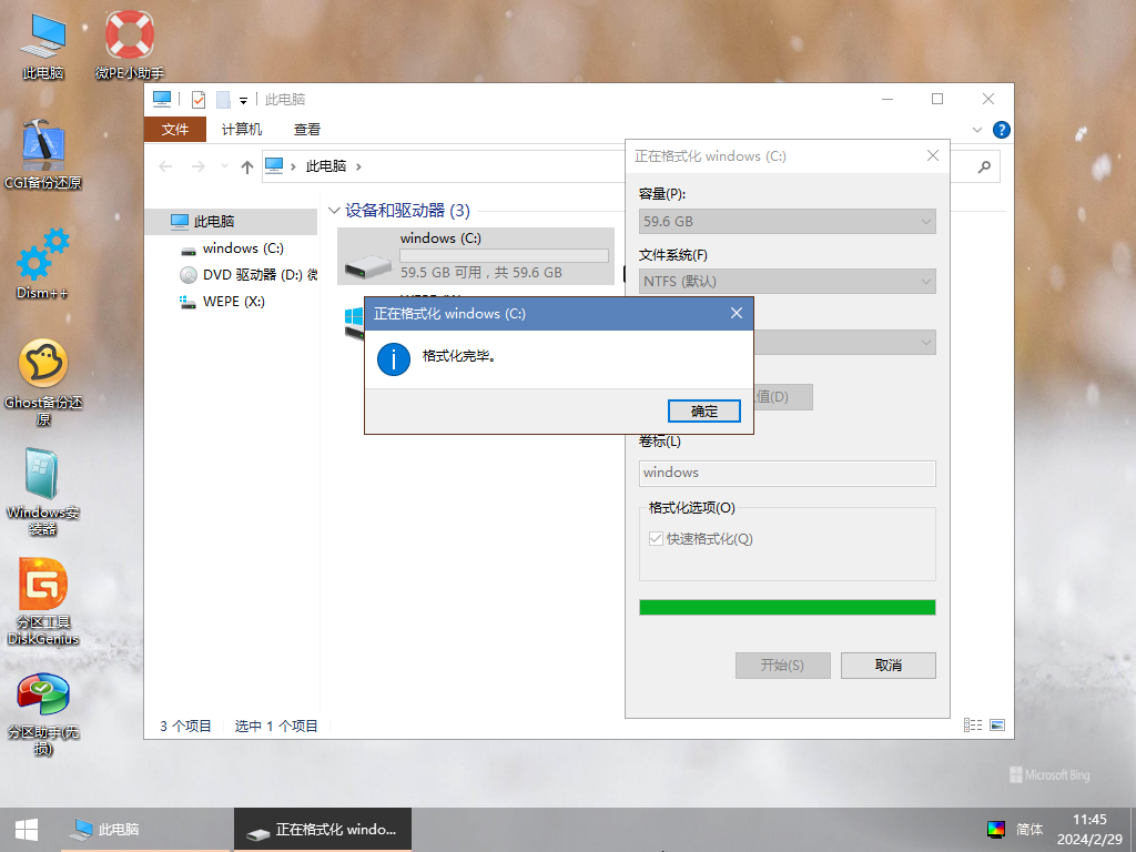
The system drive in the PE system is not called the C drive but the X drive, which is related to the Ramdisk memory virtualization technology. Thus, the X drive in the PE system holds the highest status.
It’s important to note that the drive letter assignment in the PE system may differ from that of the host system. The host system’s C drive might appear as the F drive in the PE system. In fact, aside from the system drive (X drive), all other partition drive letters are assigned alphabetically. Since the host system’s operating system defaults the C drive as the system drive letter, the host system’s system drive will always be the C drive.
Simply put, in any system, except for the system drive letter, the drive letters of other partitions can be freely modified.
Therefore, we need a keen eye to identify which drive in the host system corresponds to a partition in the PE system by examining the partition size and the files within it, rather than jumping to conclusions based solely on the drive letter.
Performing System Backups
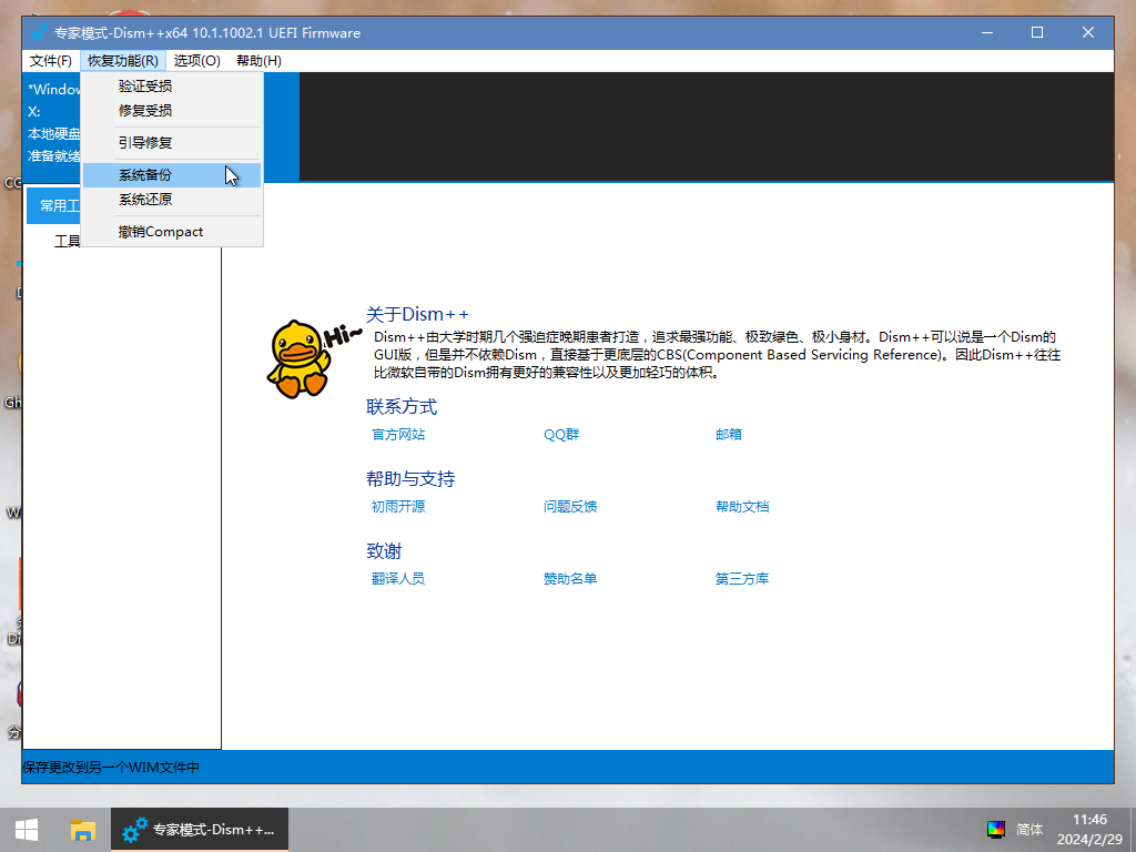
Using specialized software, we can create system backups of the host system within the PE environment. Don’t underestimate system backups—when the host system crashes, a backup can be a lifesaver. Detailed knowledge about system backups will be covered in the future.
Installing Operating Systems
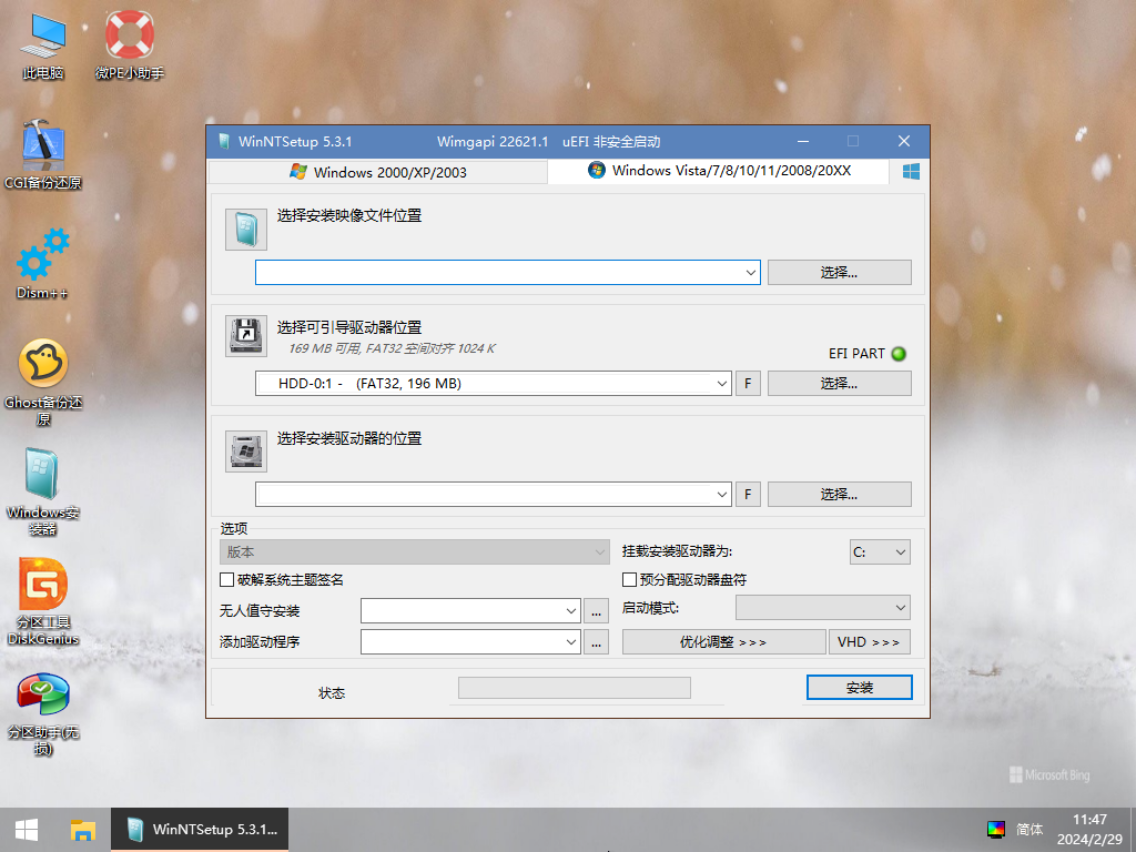
This is the original purpose of designing the PE system. With or without third-party software, we can install a new operating system on the computer.
Disk Management
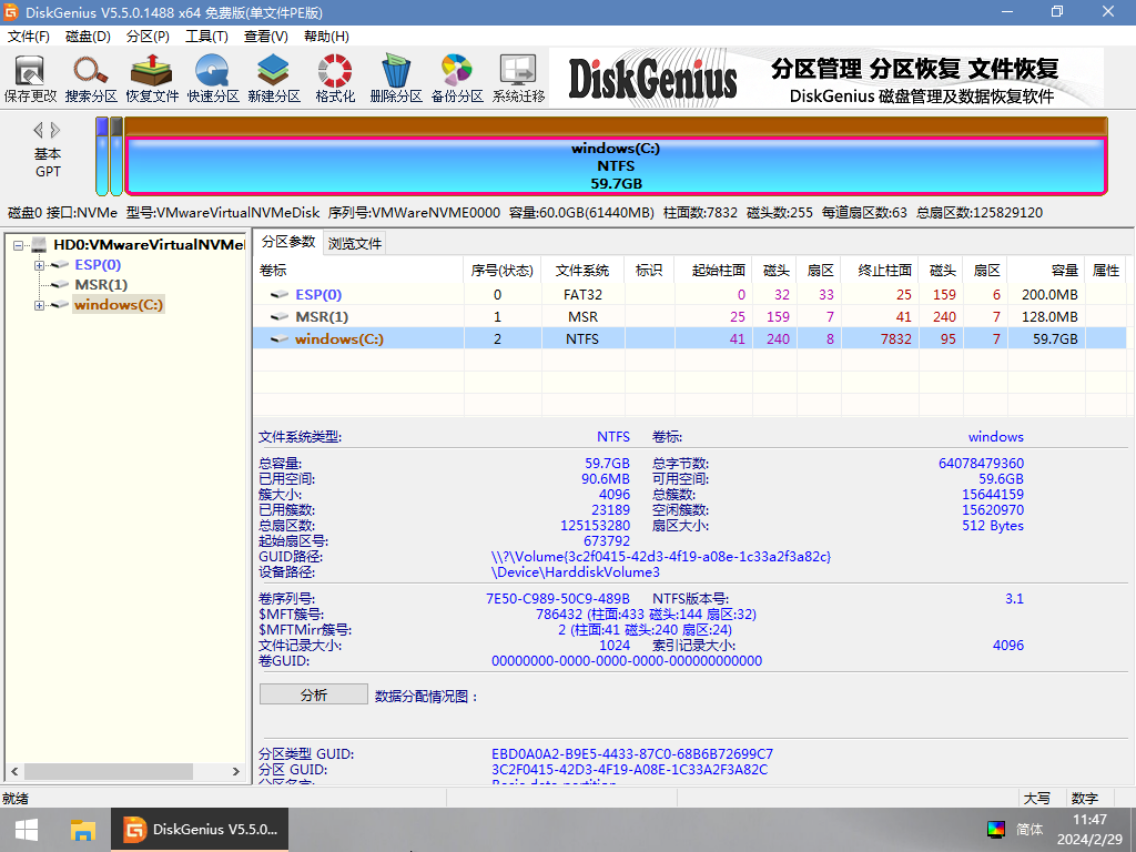
Using built-in tools in the PE system, we can perform various operations on the computer’s disks.
Common operations include: formatting partitions, wiping disks, creating new partitions, resizing partitions, merging partitions, splitting partitions, changing the disk partition table type, backing up partitions, disk cloning, quick partitioning, deleting partitions, recovering files, and more.