Where to Safely Download Windows Systems? Direct Links for Lightweight Systems + Recommended Download Sites~
Where to Download Windows Systems Safely? Direct Links to Lightweight Systems + Recommended Download Sites
Many people struggle to find a reliable source for downloading original, clean Windows systems when they need to install one. They don’t know where to find good systems, which ones are lightweight, or which are the most authentic.
Today, I’ll recommend several excellent websites for downloading Windows systems for your reference.
Microsoft Windows Official Website
In fact, besides third-party sites, Microsoft itself provides an official website for downloading Windows. You can freely download Windows ISO images, media creation tools, and more from the official site.
Currently, Microsoft only offers ISO download links for Windows 10 and Windows 11. Older versions of Windows before Windows 10 are no longer supported due to their end-of-life status.
- Windows 10 Download Official Website:
https://www.microsoft.com/en-us/software-download/windows10
- Windows 11 Download Official Website:
https://www.microsoft.com/en-us/software-download/windows11
For the Windows 10 download page, if you access it from a computer, the site automatically detects your device and does not directly provide a Windows 10 ISO download link. However, if you access it from a mobile device, you can get the download link directly.
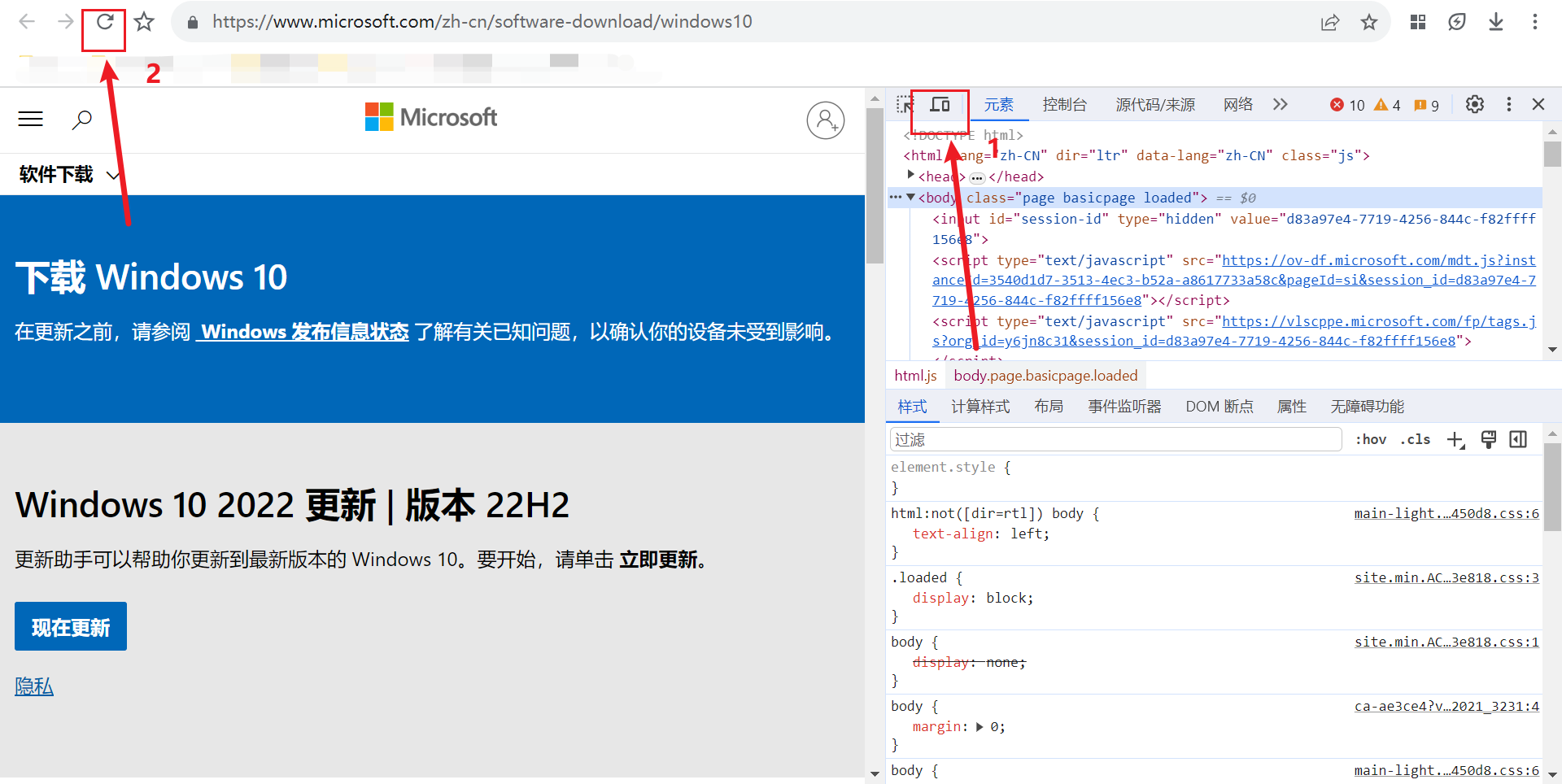
If you must use a computer to access the page, simply enable mobile mode in your browser. Here’s how:
- Press F12 on your keyboard in the browser. (Laptop users may need to press Fn+F12)
- Click the small computer/phone icon in the top-left corner of the pop-up window.
- Refresh the page.
This will display the option box for downloading Windows 10 versions.
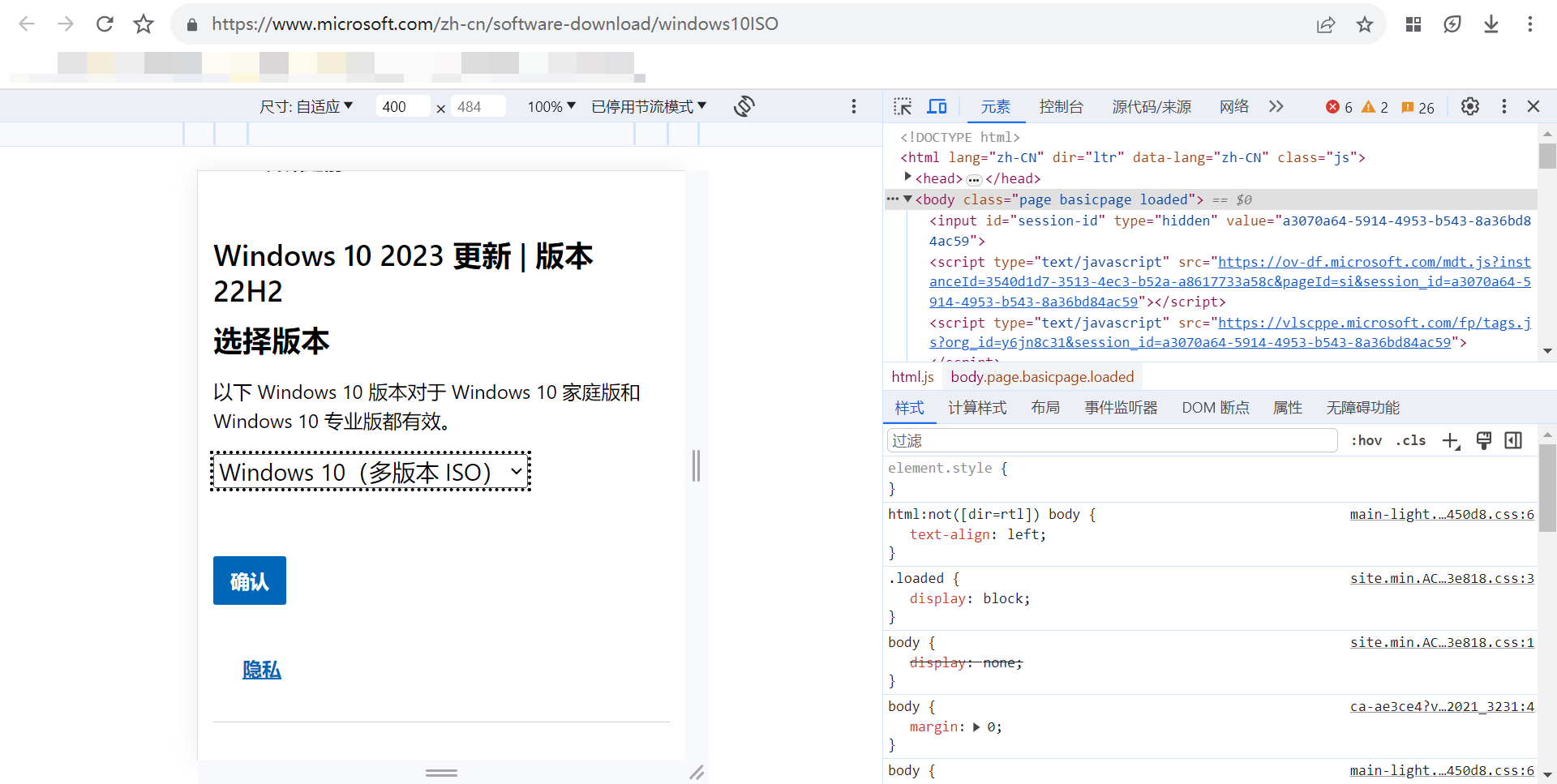
For Windows 11, you can see the download option box directly on your computer.
Version Selection:
Selecting a Windows 10 version is straightforward. Choose “Windows 10 Multi-Edition ISO,” which includes Pro, Education, Home Single Language, Pro Education, and Pro Workstation.
Select Simplified Chinese as the language.
Choose the 64-bit or 32-bit system based on your CPU’s architecture.
As Microsoft’s flagship system, Windows 11 offers a variety of version downloads, including Windows 11 (Multi-Edition ISO for x64 devices), Windows 11 Home (China only), and Windows 11 Pro Chinese Edition.
Generally, we choose “Windows 11 (Multi-Edition ISO for x64 devices).” As for Windows 11 Pro Chinese Edition, it was introduced in Microsoft’s major update on October 1st this year. I analyzed the differences between this version and others, along with the reasons for its release, in my 53rd article: “53: Microsoft Official Website Updates Windows 11 ISO Disc Image! Pro Chinese Edition System Makes Its Debut!”
Select Simplified Chinese as the language and download directly.
Note that Windows 11 no longer supports 32-bit devices.
MSDN System Library
This is a third-party resource library for system software. The website link is:
https://www.xitongku.com/
You can easily select the Windows version you need and obtain the download link.
It’s worth mentioning that the ISO images provided by MSDN System Library are original, clean Microsoft systems without any bundled extras, making them trustworthy.
You can also download all system types that Microsoft has stopped updating and supporting, such as Windows 7, Windows 8, Windows 8.1, DOS, Windows XP, and more—everything is available.
MSDN provides download links in ed2k format, which are torrent files. You can use software like Thunder or BitComet to download these links.
Additionally, you can download Office series software from MSDN.
You Need to Reinstall System Website
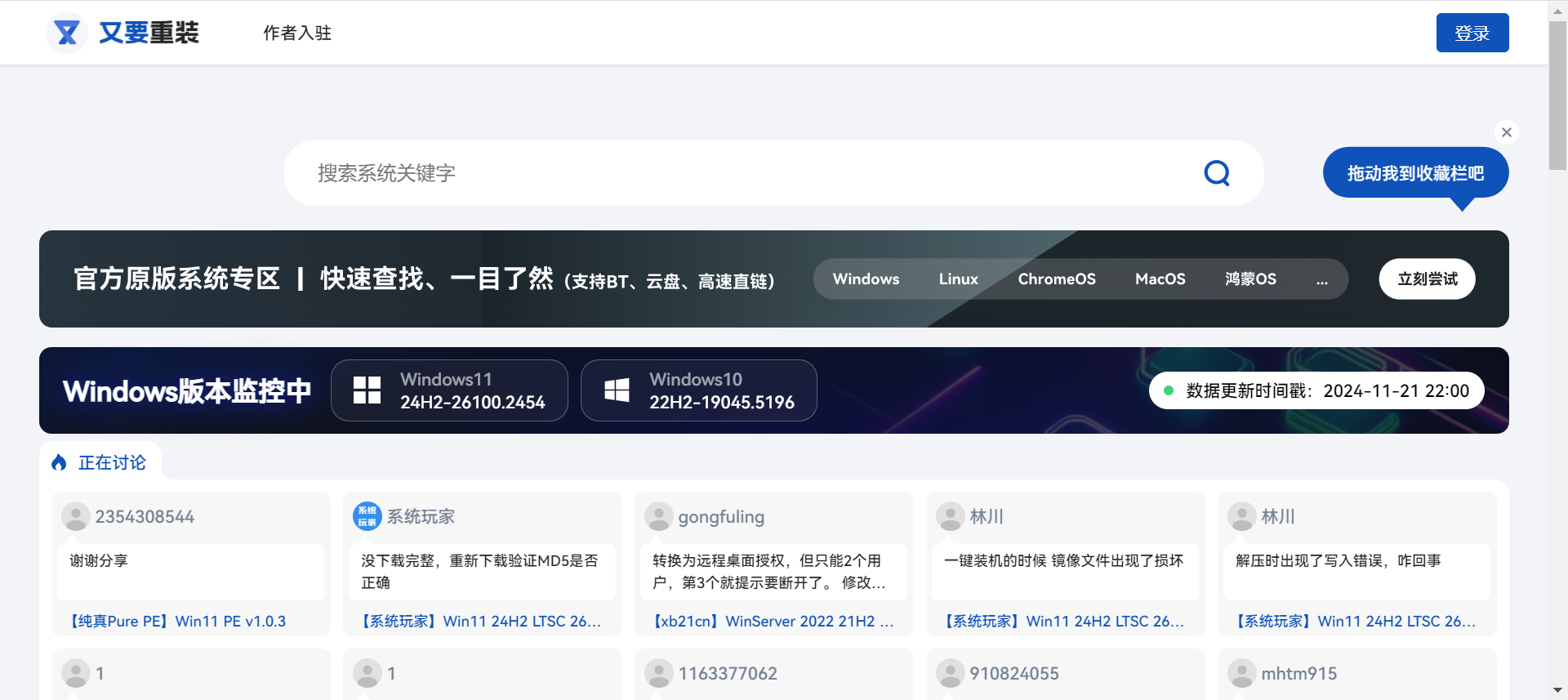
The You Need to Reinstall System website (https://www.yyczxt.com/) not only offers original system downloads but also provides various lightweight system downloads and a wide range of tool software—truly a one-stop shop.
Recommended Lightweight System Downloads
I recommend the lightweight systems by the expert @不忘初心 (Don’t Forget the Original Intent). They offer a great user experience, small system package sizes, with some as small as a few hundred MB. I provide an unlimited-speed download link for these systems.
Follow me and reply “不忘初心” in the official account to get the high-speed download link.
Additionally, ZOS, released by a Bilibili content creator, focuses on lightweight office use, with smooth system performance and minimal background resource usage—definitely worth trying.
Follow me and reply “zos” in the official account to get download links for multiple versions of ZOS Windows images.