Preparation for Installing Windows System 1
Preparations for Installing Windows System 1
Reinstalling the system—this is something many people shy away from. I’ll try to make it simple, accessible, and easy to understand. It’s important to learn from the surface to the essence, progressing from the basics to deeper understanding.
Preparing the Windows 10 Disc Image File (ISO)
A disc image file, or simply an image. Why must it be a disc? Because Microsoft distributes its operating systems on discs as the medium. An ISO file is a file that can be directly burned onto a disc. So, obtaining the Windows 10 disc image file is equivalent to having a Windows 10 installation disc.
You might feel a bit anxious. I don’t have a disc drive? Do I need to spend money? I don’t have a disc? Don’t worry—if you don’t have one, neither do I! And you don’t want to spend money, nor do I :)
Let’s Get Started!
Getting the Windows 10 ISO is simple. You can search for “Windows 10” using Bing. Then you’ll see Microsoft’s official website: Download Windows 10.
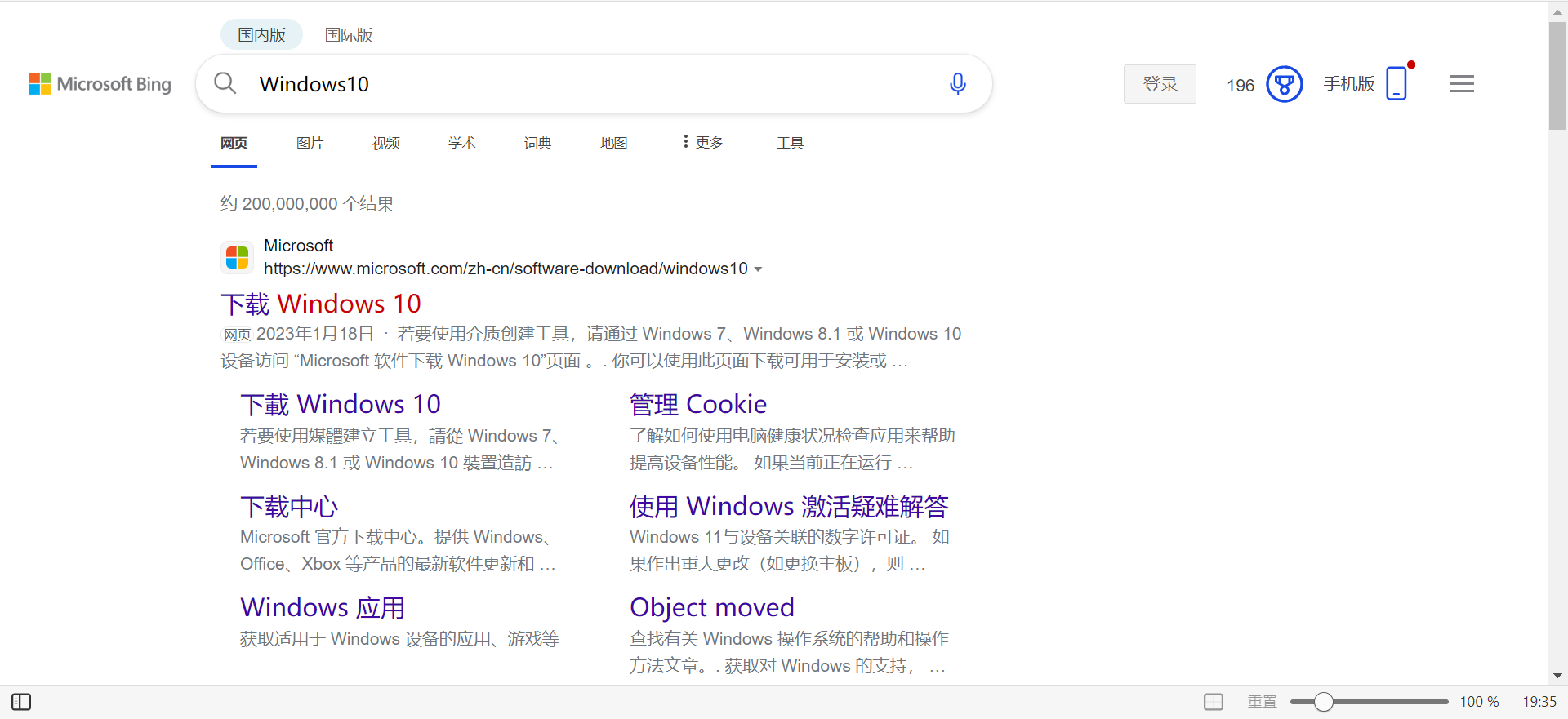
Please note: Do NOT download Windows ISO files from other websites! They may be maliciously tampered with, containing spam promotions, viruses, or backdoors!!!
Microsoft Official Website:
https://www.microsoft.com/en-us/software-download/windows10
When you open the website, you might not immediately find the ISO download button. Don’t worry—the interface looks different when accessed from a phone versus a computer.
Phone:
1. Select Version: Choose Windows 10 (multi-edition ISO), confirm.
2. Select Product Language: Simplified Chinese, confirm.
3. Download: Choose 32-bit or 64-bit based on your situation. Most computers in recent years are 64-bit.
Computer: Enable Phone Mode
1. Open the webpage, press F12 to enter the "Inspect" page.
2. Click the second small button at the top left of the Inspect interface.
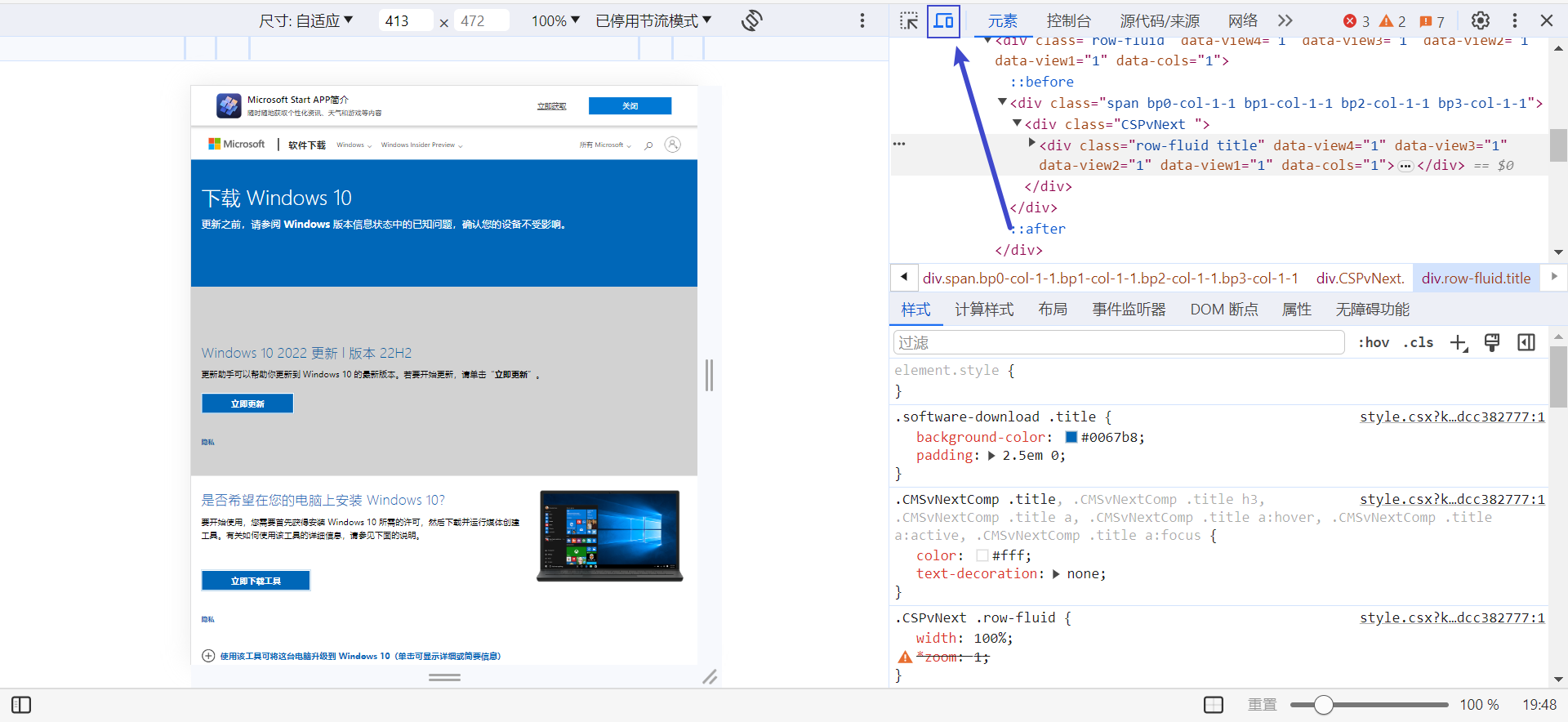
3. Close the Inspect page and refresh the webpage.
4. The remaining steps are the same as for a phone.
The Windows 10 ISO file is approximately 5.67 GB. Downloading from the official website can be slow. Please be patient.
If your computer is already running Windows 10, you can double-click the downloaded ISO to open it directly. A new “drive” will appear in File Explorer—this is a virtual optical drive created by the operating system. Since the ISO file is essentially burned onto a disc, the system realistically simulates a disc being inserted into your computer. As a drive, this virtual disc has the same status as partitions like C: or D: and will also be assigned a drive letter. If you want to delete an ISO file, make sure its virtual optical drive has been “ejected”; otherwise, you’ll see a message that it’s open in System and cannot be removed. The method to eject it is the same as ejecting a USB drive.