Preparation for Installing Windows System 2
Preparations for Installing a Windows System (Part 2)
Installing VMware WorkStation 17 Pro
A virtual machine is software that simulates the hardware and software of a real computer. If you’re not entirely clear on how to install an operating system, a virtual machine is an excellent tool and platform for experimentation. Within virtual machine software, you can treat all your operations as if they were on a real computer. Having a virtual machine software means you effectively own multiple computers!
VMware WorkStation (abbreviated as VM) is a globally recognized, excellent virtual machine software. This article provides you with a VM download link (high-speed), a VM crack activation key, and instructions for installing VM.
VM Download Link:
https://www.123pan.com/s/aktYjv-ywlLH.html
VM Crack Activation Key:
MC60H-DWHD5-H80U9-6V85M-8280D
Installing VMware
1. Run the software installation package
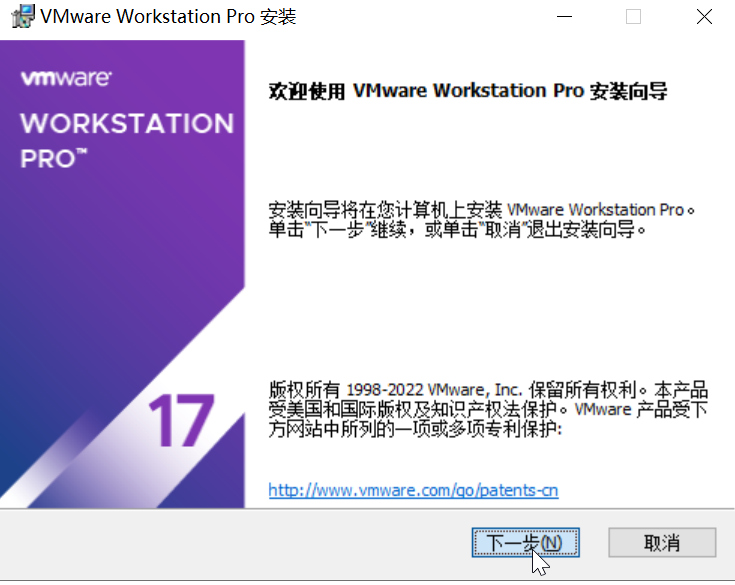
2. The software is quite large; it is strongly recommended to change the installation location to a non-system drive
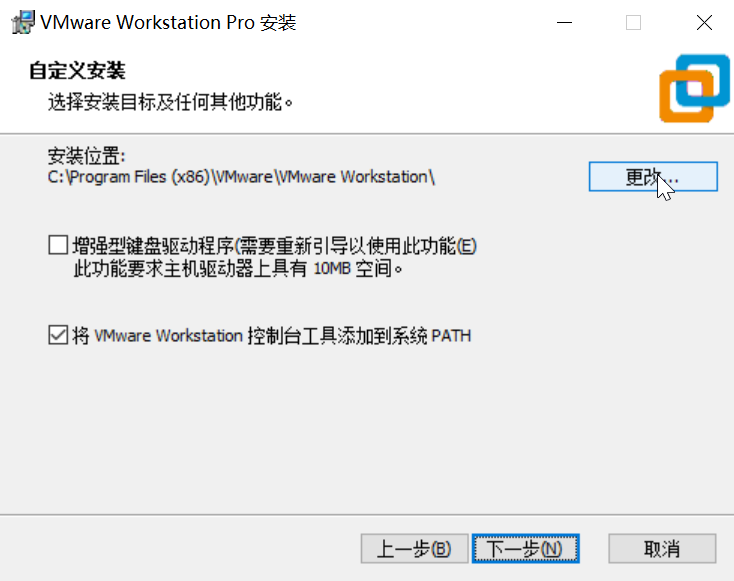
3. Do not check for product updates, and do not join the customer experience improvement program (to prevent the crack from failing after updates)
4. Proceed with "Next" and install
5. Click "Enter License Key" and input the crack activation key
6. Finish the installation
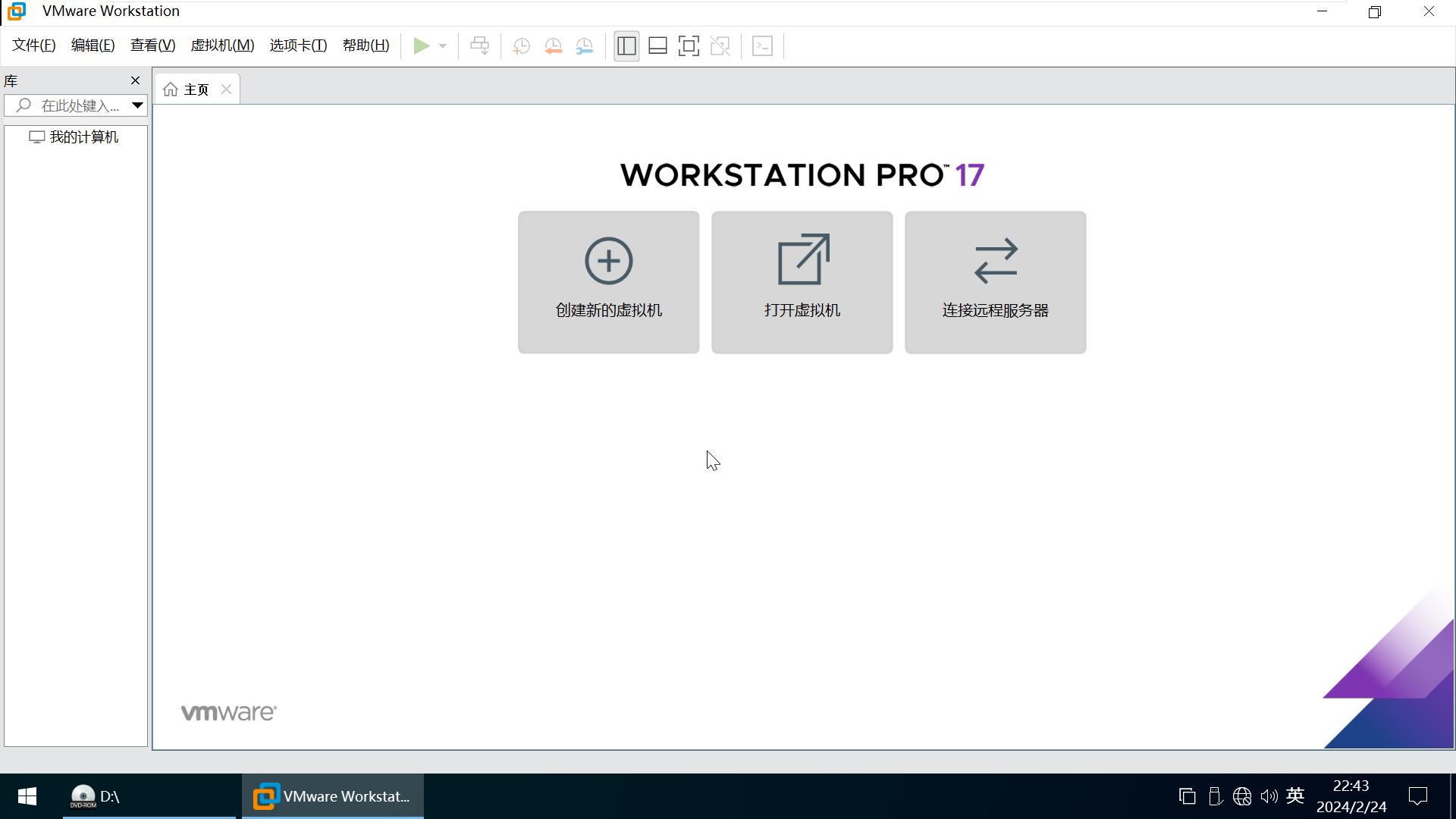
VM Main Interface
Preparation for Installing Windows System 2
https://en.lvlele.top/190-windows-installation-preparation-1/